
Official Loftia system requirements: GTX 1050 and 8 GB RAM minimum on PC, Apple M2 and macOS 14 on Mac, with Intel Macs unsupported.
Loftia System Requirements for PC and Mac
Loftia runs on a GTX 1050 or Radeon RX 560 with 8 GB of RAM on Windows, and on an Apple M2 chip with 8 GB of RAM on macOS 14 Sonoma. Intel-based Macs are explicitly not supported. Storage is 10 GB on both platforms, and DirectX 11 is the PC minimum against DirectX 12 recommended. These are the published specs, taken as written from the Steam store page as of the October 2026 Steam Next Fest demo.
- PC minimum: Windows 10 64 bit, Core i3-10100F or Ryzen 3 3100, 8 GB RAM, GeForce GTX 1050 or Radeon RX 560, DirectX 11, 10 GB of storage.
- PC recommended: Windows 11 64 bit, Core i5-12600K or Ryzen 5 5600, 16 GB RAM, GeForce GTX 1660 or Radeon RX 5600 XT, DirectX 12, 10 GB of storage.
- Mac minimum: macOS 14 Sonoma, Apple M2 chip, 8 GB RAM, integrated Apple M2 GPU, 10 GB of storage.
- Mac recommended: macOS 14 Sonoma, Apple M2 Pro chip, 16 GB RAM, integrated Apple M2 Pro GPU, 10 GB of storage.
Loftia PC minimum and recommended specs
The Windows list is identical on both tiers except for OS, processor, memory, graphics card and DirectX version. Storage and network are the same in both columns, and the CPU and GPU lines both carry an "or equivalent" clause.
| Requirement | Minimum | Recommended |
|---|---|---|
| Operating system | Windows 10 64 bit | Windows 11 64 bit |
| Processor | Intel Core i3-10100F / AMD Ryzen 3 3100 (or equivalent) | Intel Core i5-12600K / AMD Ryzen 5 5600 (or equivalent) |
| Memory | 8 GB RAM | 16 GB RAM |
| Graphics | Nvidia GeForce GTX 1050 / AMD Radeon RX 560 (or equivalent) | NVIDIA GeForce GTX 1660 / AMD Radeon RX 5600 XT (or equivalent) |
| DirectX | Version 11 | Version 12 |
| Network | Broadband Internet connection | Broadband Internet connection |
| Storage | 10 GB available space | 10 GB available space |
The "(or equivalent)" clause is doing real work here. The studio publishes one named CPU and one named GPU per tier, so what the list describes is a class of machine, not three exact part numbers you have to match by name.
Official source: Loftia on Steam — PC system requirements
Loftia Mac requirements and the Intel Mac exclusion
The Mac list is short because the hardware base is narrow: every minimum configuration is an Apple Silicon Mac built around the M2 chip.
| Requirement | Minimum | Recommended |
|---|---|---|
| Operating system | macOS 14 Sonoma | macOS 14 Sonoma |
| Processor | Apple M2 chip | Apple M2 Pro chip |
| Memory | 8 GB RAM | 16 GB RAM |
| Graphics | Integrated Apple M2 GPU | Integrated Apple M2 Pro GPU |
| Network | Broadband Internet connection | Broadband Internet connection |
| Storage | 10 GB | 10 GB |
| Additional notes | Intel based Macs are NOT supported | Intel based Macs are NOT supported |
The Steam page states it in plain text under the Mac requirements: Intel based Macs are NOT supported. That line is present in both the minimum and the recommended columns, so there is no upgraded Intel configuration that qualifies. If you are on an Intel Mac, the supported route is an Apple Silicon machine, and there is no separate Intel build to install.
No separate graphics card is listed on Mac because the integrated Apple GPU is the stated baseline. The Windows baseline is a dedicated card, the GTX 1050 or Radeon RX 560.
Official source: Loftia on Steam — Mac system requirements
The three requirements that catch people out
| Catch | What the page actually says | Why it matters |
|---|---|---|
| The Mac chip floor | Apple M2 chip minimum, Apple M2 Pro recommended | M1 is not on the list: the M2 is the named floor, and Intel Macs are excluded outright. |
| Storage is 10 GB on both platforms | 10 GB available space on Windows, 10 GB on Mac, and the same figure in the recommended column | Recommended does not ask for more disk space, so 10 GB covers both tiers on both platforms. |
| DirectX 11 minimum, DirectX 12 recommended | Version 11 minimum, Version 12 recommended | The minimum is not DirectX 12: a Windows 10 machine on DirectX 11 still qualifies. |
What the developers say about performance
The official FAQ points players back to the Steam page for the numbers, then adds a caveat worth reading before you upgrade:
Official source: Loftia FAQ — What are the system requirements to play?
We're still working hard on optimizing the performance of the game, so we expect to improve the game to run better on even older computers, over time.
In practice the published minimum is a floor for a machine that can run the game, not a promise of a locked frame rate. The developers have published no frame-rate targets or benchmark figures for the demo, so any specific FPS number comes from community measurement. Treat the minimum tier as "it launches and it is playable", and the recommended tier as the configuration the studio would rather you had.
Known issues that look like hardware problems
Three entries in the official known-issues list look like graphics card faults. Each has an official workaround.
| Symptom | Official note | What to do |
|---|---|---|
| Mac stutter or crashes | Some older Macs may experience performance issues or crashes, particularly those with less than 16 GB of RAM. The developers recommend Low graphics settings if you hit this | Drop to Low graphics settings; consider 16 GB of RAM |
| Very slow loading, timeouts, crashes | Installing Loftia to an external drive greatly increases load times, which can lead to timeouts and crashes | Install to the internal drive, not an external one |
| CPU spike while loading | Maximum CPU usage during shader preparation was reduced to help keep computers happy while loading | Fixed in the demo's first patch, so update before launch |
Official source: Loftia — Steam Next Fest Known Issues
The full list, including gamepad, quest and inventory entries, is in the Loftia patch notes and known issues guide.
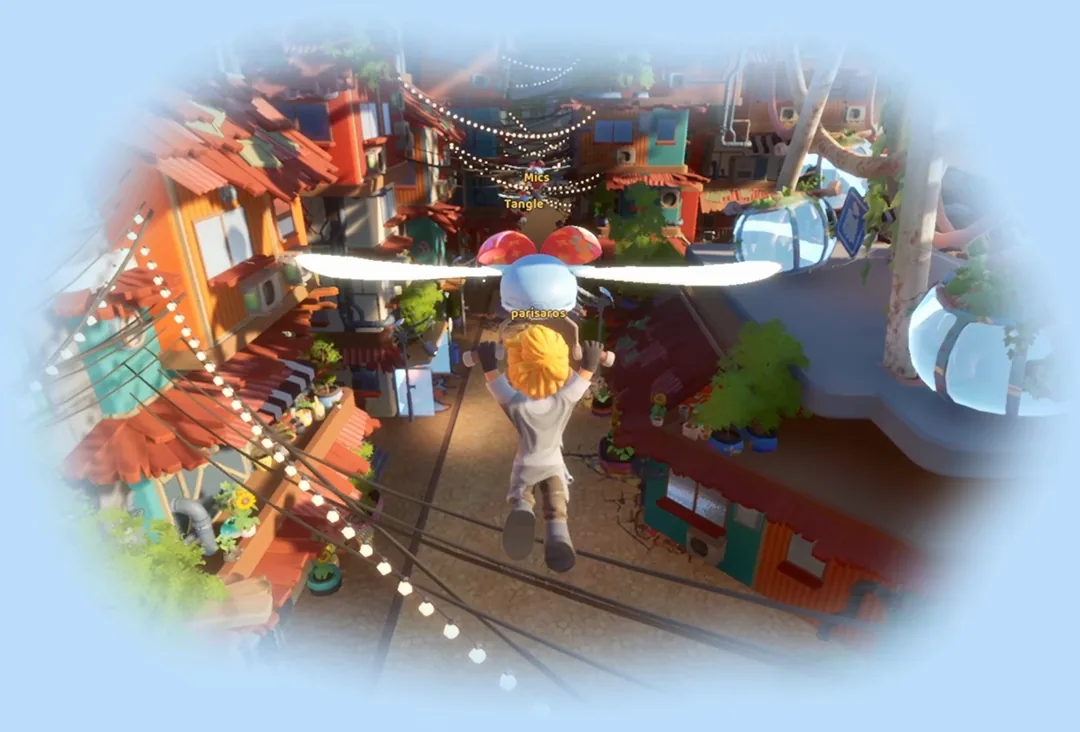
An official loftia.gg animation: scenes like this are what the minimum spec has to hold up.
Storage, download size and which platforms are covered
The 10 GB figure is the only published storage number. The demo's own Steam listing does not carry a separate requirement, so the 10 GB on the main store page is the number to plan around for the full install. It is the same in both tiers and on both platforms.
On platforms, the Steam store lists Windows and Mac only, with no Linux entry. The official FAQ also names the Epic Games Store, and Nintendo Switch is confirmed for 2027 with no date attached. Cross-platform play between those platforms is still being evaluated rather than promised, and the game has to be purchased on each platform you want to play on, so the requirements table applies per purchase. The Loftia platforms and crossplay status guide breaks down what is confirmed.
For Steam Deck, the official FAQ states that Loftia "also supports the Steam Deck", while the Steam store listing still carries Partial Controller Support. Setup and performance expectations are covered in Loftia on Steam Deck: setup and performance.
Demo, Early Access and your hardware
The free demo runs during Steam Next Fest from October 19 to October 26, 2026, and your completed quests, collected items and character progression all carry into Early Access. Early Access opens on November 3, 2026 at 13:00 EST, which is 02:00 on November 4 in Beijing time. If your machine clears the minimum list, the demo is the cheapest possible hardware test, and it is also where you can pick up the first-week tutorial content described in the Loftia beginner guide.
Two honest caveats. The demo is the same game build with the same graphics settings, so a machine that struggles with it will not suddenly become fast at Early Access launch. And the studio is still optimising performance, so the requirement lines on the Steam page can move before launch. The Loftia release date and Early Access prep guide covers what changes on day one.
FAQ
Can I play Loftia on an Intel Mac? No. The Steam requirements state that Intel based Macs are NOT supported, in both the minimum and the recommended columns. The supported floor is an Apple M2 chip on macOS 14 Sonoma.
Do I need a dedicated graphics card? On Windows, yes. The PC minimum lists a GeForce GTX 1050 or an AMD Radeon RX 560, or an equivalent card. On Mac the minimum is the integrated Apple M2 GPU, so no discrete card is required.
How much storage does Loftia need? 10 GB, on Windows and on Mac, and the same 10 GB in both the minimum and the recommended tier. The demo's Steam listing publishes no separate storage figure.
Will my older PC run Loftia smoothly? The developers state they are still optimising performance and expect the game to run better on even older computers over time. No official frame-rate targets exist, so read the minimum tier as "it runs" rather than a specific performance level.
Does Loftia support Steam Deck? The official FAQ says Loftia supports the Steam Deck and is fully playable with a controller or gamepad. The Steam store listing still shows Partial Controller Support in its category fields, so the two official descriptions do not fully agree. More detail in the Loftia Steam Deck and performance guide.
Is there a Linux version of Loftia? Not at launch. The Steam store lists Windows and Mac as the supported platforms, with no Linux entry, and no further platform has been announced.
Related Guides
- Loftia on Steam Deck: setup and performance Handheld-specific setup and what the official Steam Deck support claim means in practice.
- Loftia platforms and crossplay status Which platforms are confirmed, and how buying on each one works.
- Loftia patch notes and known issues list The full official known-issues list, including the Mac and external-drive entries quoted above.
- Loftia beginner guide: first steps in the demo What to do in the free demo while you wait for Early Access.
More Loftia Guides
How Loftia crafting works: renewable-powered tools, refining stations, material tiers and the tool wheel, as confirmed in the October 2026 demo.
The confirmed Loftia crop situation: 10 basic and 5 exotic crops announced for hydroponic farming, plus Bioluminescent Ivy, rest pending.
How Loftia decorating works: Estella the furniture expert, shared neighbourhood islands, and a cosmetics-only Backer Boutique with no gacha.
Loftia demo progress, character name and three demo rewards carry into Early Access on November 3, 2026, but only if you link your loftia.gg account.
How Loftia farming works: hydroponics, aquaponics and trellis growing, the four hydroponic factors, and what the demo lets you plant.
Loftia fishing: a listed proficiency capped at Level 5 in the demo, the fishing spots in Hanging Gardens, Kassim the fishing expert, and a community fish list.
Gridfall is Loftia's salvaging district: a concrete jungle on old world ruins, with air rails, skyscrapers, a museum and underground tunnels.
Hanging Gardens arrives in Early Access on November 3, 2026: a quiet floating island with greenery, fishing spots, farms and a forest.